Dark Web Monitoring
Continuous monitoring of dark web forums, paste sites, breach databases, ransomware blogs, and Telegram channels for mentions of your organisation.
/darkweb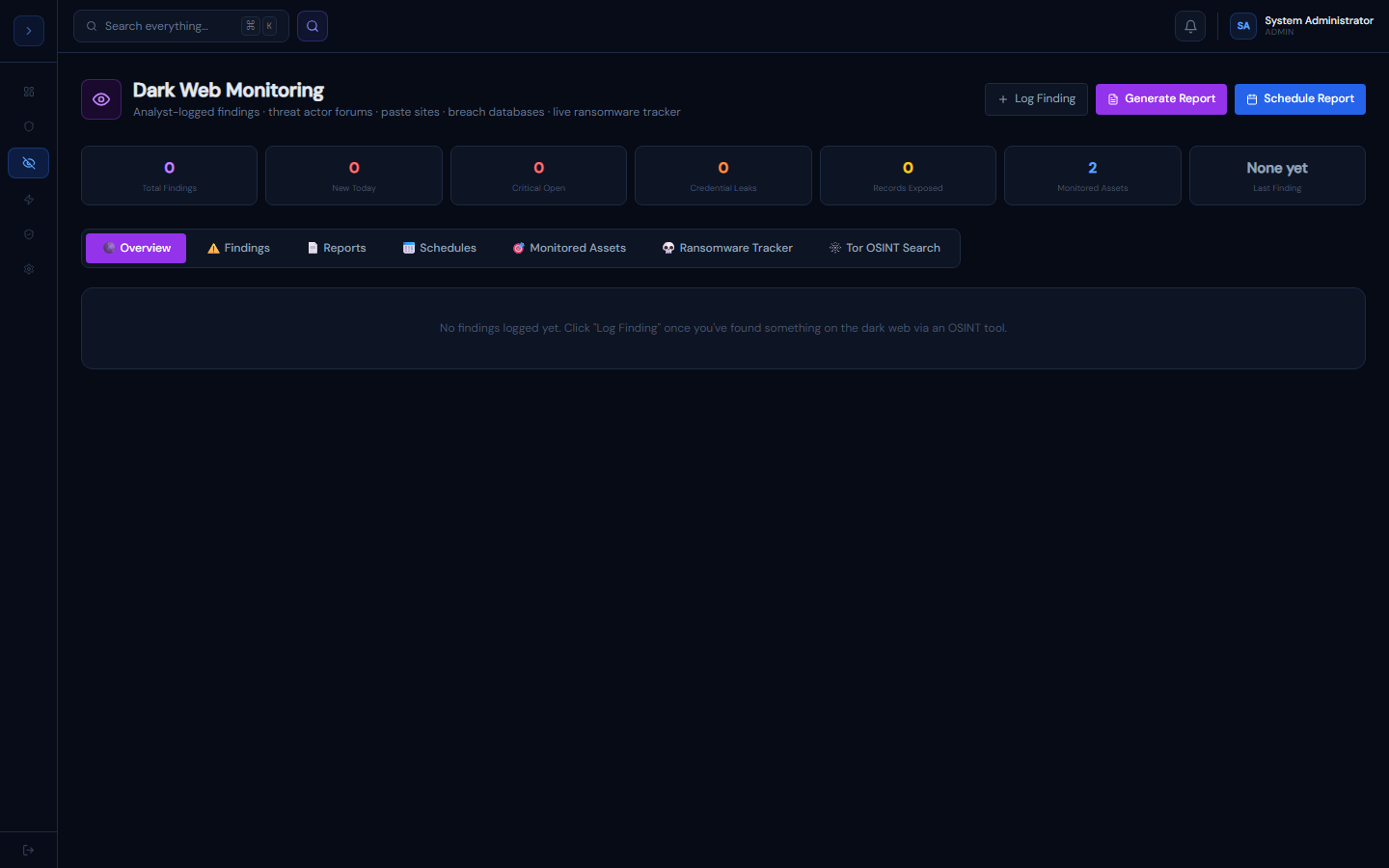
How dark web monitoring works
OverviewHow Dark Web Monitoring Works
GuardFox Security Systems continuously scans 47+ dark web and surface web sources for mentions of your monitored assets:
| Source type | Examples |
|---|---|
| Dark web forums | Russian/English cybercrime forums |
| Paste sites | Pastebin, Rentry, paste.ee |
| Breach databases | Have I Been Pwned, dehashed |
| Ransomware blogs | Ransomware group .onion blogs |
| Telegram channels | Threat actor channels |
| Code repositories | GitHub public repos (secrets scanning) |
Finding types detected
credential · email · credit_card · api_key · source_code · database_dump · ransomware_mention · executive_mention · pii · domain · ip
Risk scoring
Each finding gets a 0–100 risk score based on: severity of data exposed, source credibility, record count, and whether active exploitation is confirmed.
Adding monitored assets
SetupAdding Assets to Monitor
Go to Dark Web Monitor → 🎯 Monitored Assets.
Asset types
| Type | Example | What it finds |
|---|---|---|
| Domain | company.com | Mentions, credential leaks, source code |
| Email Domain | @company.com | Credential dumps, breach records |
| Keyword | company ransomware | Ransomware group mentions |
| Executive Name | John Smith CEO | Targeted phishing prep, forum mentions |
| IP Range | 192.168.0.0/16 | IP-based threat actor references |
| Brand Name | GuardFox | Brand impersonation, piracy |
Recommended starting set
- Your primary domain (company.com)
- Your corporate email domain (@company.com)
- Names of C-suite executives
- Your most critical product/brand names
- The word "ransomware" combined with your company name
The more specific your keywords, the fewer false positives.
Generating and scheduling reports
UsageGenerating Dark Web Reports
On-demand report
- Click Generate Report (top right)
- Choose report type: Executive Summary, Technical Report, Credential Leak, Ransomware Intel, or Full Intelligence
- Choose date range (24h / 7d / 30d / 90d)
- Select all export formats you need (can select multiple)
- Optionally enter email recipients
- Click Generate Reports
Export formats
| Format | Best for |
|---|---|
| Executive briefings, board reports | |
| CSV | Data analysis, import into Excel |
| JSON | SIEM/SOAR webhook integration |
| HTML | Web-viewable interactive report |
| Word (DOCX) | Board reporting, editable |
| STIX 2.1 | Threat sharing with partners, Splunk |
| MISP | MISP threat intel platform import |
Scheduling recurring reports
Go to 📅 Schedules → Add Schedule: Daily (credential monitoring, executive summaries), Weekly (SOC team technical report), Monthly (board report in DOCX), or Real-time (instant JSON webhook to SIEM on each new finding).