Deception Engine
Deploy honeypots, canary files, canary credentials, and DNS canaries to detect attackers inside your network.
Route:
/deception-engine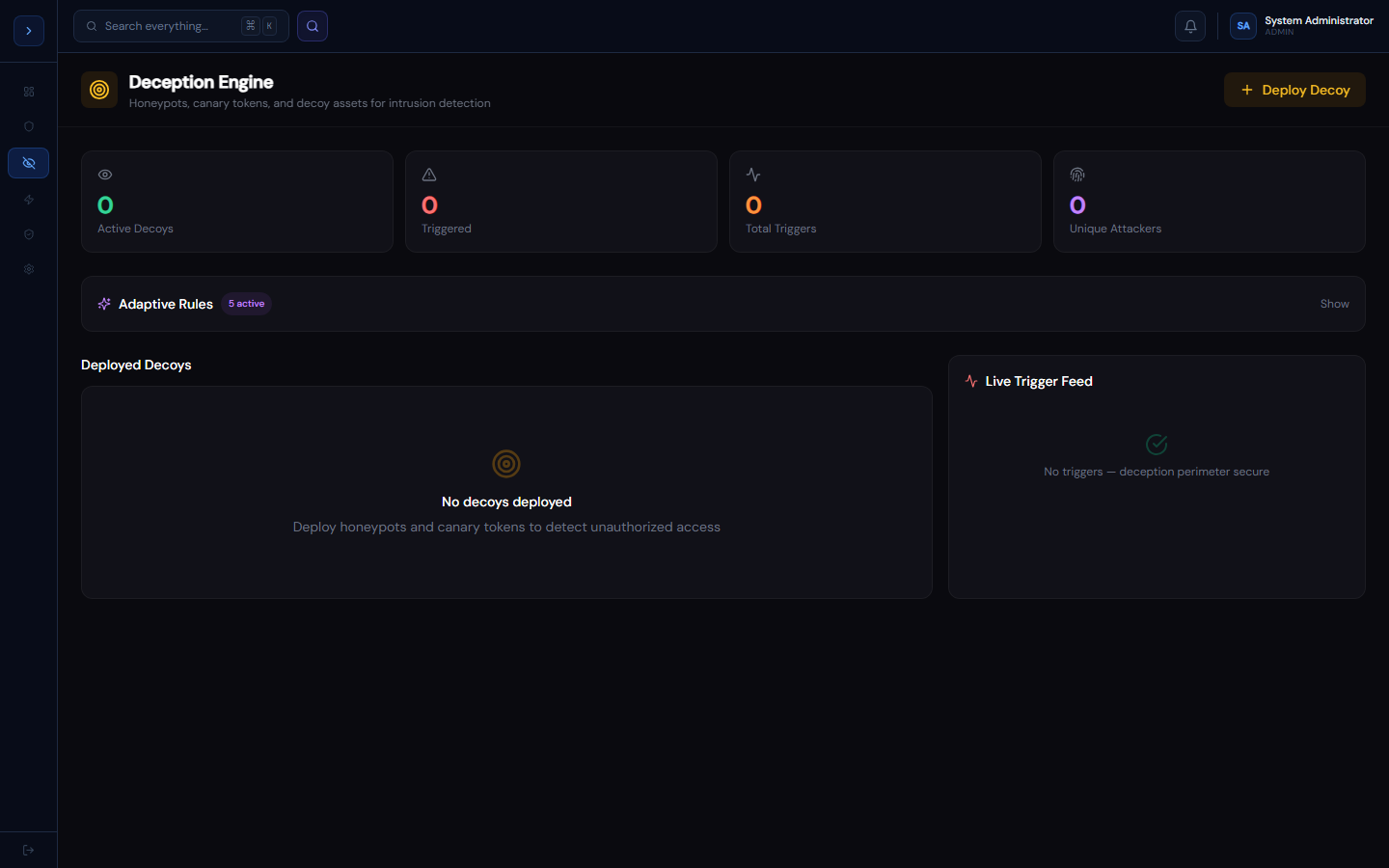
How deception works
OverviewHow the Deception Engine Works
Deception assets are decoys — they look real to an attacker but have no legitimate use. Any interaction with them is a high-confidence signal of compromise or insider threat.
Asset types:
- Honeypots — fake network services (SSH, HTTP, FTP, SMB, RDP, MySQL) that log every connection attempt
- Canary files — files placed on endpoints (e.g.,
passwords.xlsx) that alert when opened or accessed - Canary credentials — fake Active Directory service accounts that alert when used for authentication
- DNS canaries — internal hostnames that alert on any DNS query (detect DNS exfiltration and beaconing)
Why use deception
- Zero false positives — no legitimate user or system should ever touch a deception asset
- Works against insider threats, not just external attackers
- Detects lateral movement before damage occurs
- Requires no tuning or threshold adjustment
Deploying assets
How to useDeploying Deception Assets
Honeypots
- Go to Detection → Deception Engine → 🍯 Honeypots
- Click Deploy Honeypot
- GuardFox Security Systems deploys a fake service on a spare IP in your range
- The honeypot registers as a network listener via your configured network range
Recommended placement:
- One SSH honeypot on a commonly guessed IP (e.g., .250 in each subnet)
- One RDP honeypot in the server subnet
- One SMB honeypot on the file server subnet
Canary files
- Go to 🐦 Canaries → Deploy Canary
- Select type: File
- Set the location (endpoint path or file share path)
- GuardFox Security Systems deploys a canary via the EDR agent on that endpoint
Recommended canary file names (attackers prioritise these):
passwords.xlsxadmin-credentials.txtAWS_credentials.csvbackup-keys.7z
Canary credentials
Deploy a fake AD account (e.g., svc-backup-old) that has no legitimate use. Any login attempt triggers a Critical alert.
- Create the AD account manually in your domain
- Register it in Deception Engine → Canary type: Credential
- Configure your SIEM to forward authentication events from this account