Defensive Tools
TLS scanner, email security checker (SPF/DKIM/DMARC), HTTP security headers, and password audit via HaveIBeenPwned.
/defensive-tools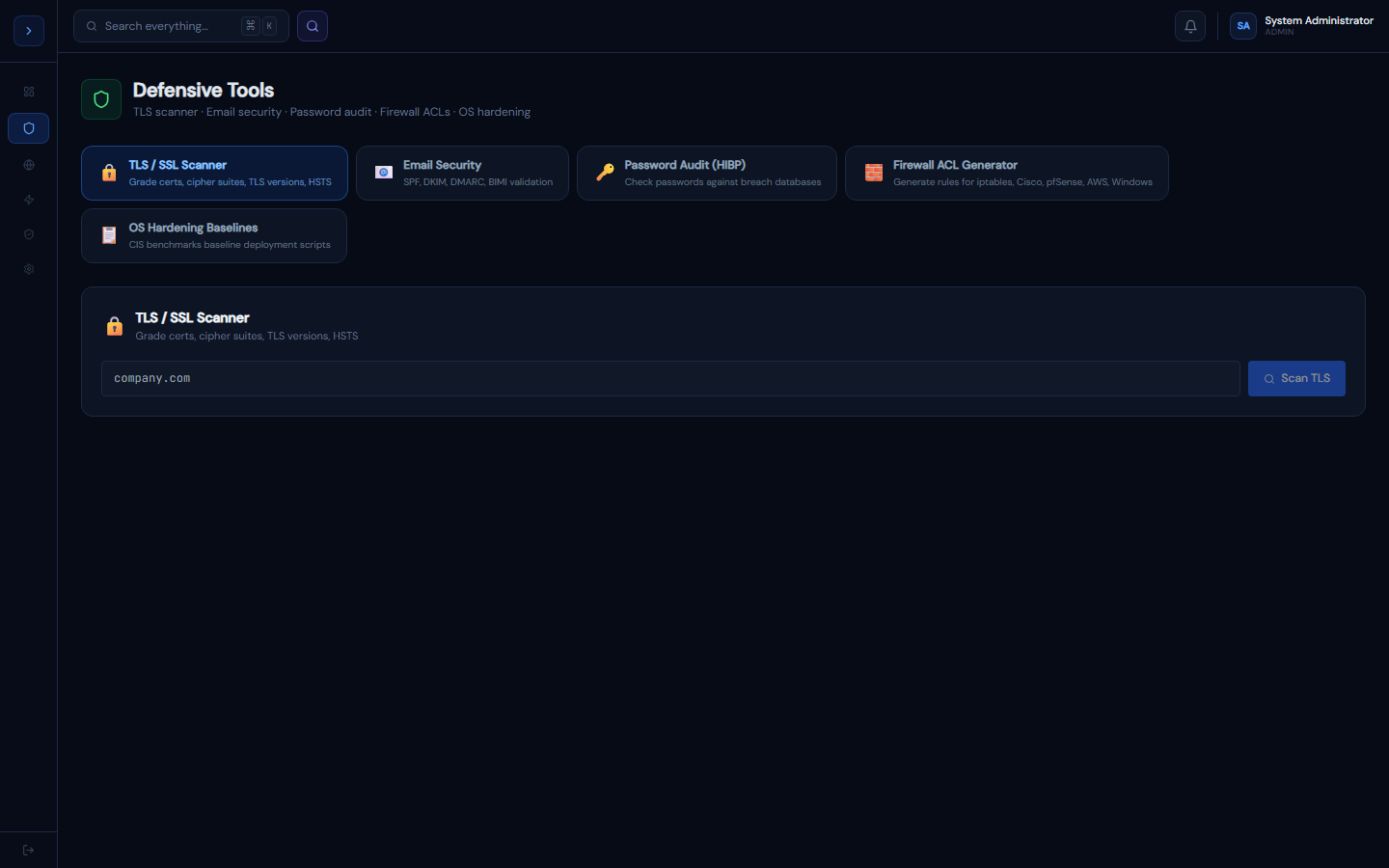
TLS / SSL Scanner
How to useTLS / SSL Scanner
Tests your domain's TLS configuration and grades it A–F.
What is checked
- Certificate — expiry date, issuer, SANs, validity
- Protocol versions — TLS 1.0/1.1 (should be disabled), 1.2, 1.3
- Cipher suites — classified as strong, weak, or insecure
- HSTS — whether Strict-Transport-Security header is present
- OCSP Stapling — whether the server staples the certificate status
Grading
- A — All modern protocols, strong ciphers, HSTS enabled, cert valid >60 days
- B — Minor issues (e.g., TLS 1.2 without 1.3, HSTS missing)
- C — TLS 1.1 enabled or weak ciphers present
- F — TLS 1.0 enabled, expired certificate, or critical cipher issues
How to improve your grade
- Disable TLS 1.0 and 1.1 in your web server config
- Add HSTS header:
Strict-Transport-Security: max-age=31536000; includeSubDomains; preload - Remove weak cipher suites (RC4, 3DES, export-grade)
- Enable TLS 1.3
Email Security Checker
How to useEmail Security Checker
Validates your domain's email authentication configuration.
SPF (Sender Policy Framework)
Specifies which mail servers are allowed to send email for your domain.
Good SPF record: v=spf1 include:_spf.google.com ~all
Bad SPF record: v=spf1 +all — allows any server to send as your domain
DKIM (DomainKeys Identified Mail)
Adds a cryptographic signature to emails. Requires a TXT record at selector._domainkey.yourdomain.com.
Your email provider (Google Workspace, M365) generates the keys and gives you the DNS record to add.
DMARC (Domain-based Message Authentication)
Tells receiving servers what to do when SPF/DKIM fails.
v=DMARC1; p=reject; rua=mailto:dmarc@company.com; pct=100p=none— monitor only (start here)p=quarantine— send to spamp=reject— reject the email (final goal)
BIMI (Brand Indicators for Message Identification)
Shows your logo in supporting email clients. Requires DMARC p=reject or p=quarantine at 100%.
Password Audit
How to usePassword Audit (HaveIBeenPwned)
Checks passwords against the HaveIBeenPwned breach database using k-anonymity — your full password never leaves the browser.
How k-anonymity works
- The password is hashed with SHA-1 in the browser
- Only the first 5 characters of the hash are sent to the HIBP API
- The API returns all hashes matching those 5 characters
- The browser checks if the full hash is in the list
- Result: exposed count displayed without the server ever seeing your password
Password strength scoring
Points are awarded for:
- Length ≥ 12 characters (+1)
- Uppercase letters (+1)
- Lowercase letters (+1)
- Numbers (+1)
- Special characters (+1)
Score 5/5 = Very Strong. Score ≤ 2/5 = Weak.
Recommendations
- Use a password manager (Bitwarden, 1Password, KeePass)
- Enable MFA on all accounts
- Any password found in HIBP should be changed immediately, regardless of strength score