SOAR Playbooks
Build automated response playbooks triggered by alert conditions. 12 action types including isolate, block IP, notify, and create ticket.
/soar-playbooks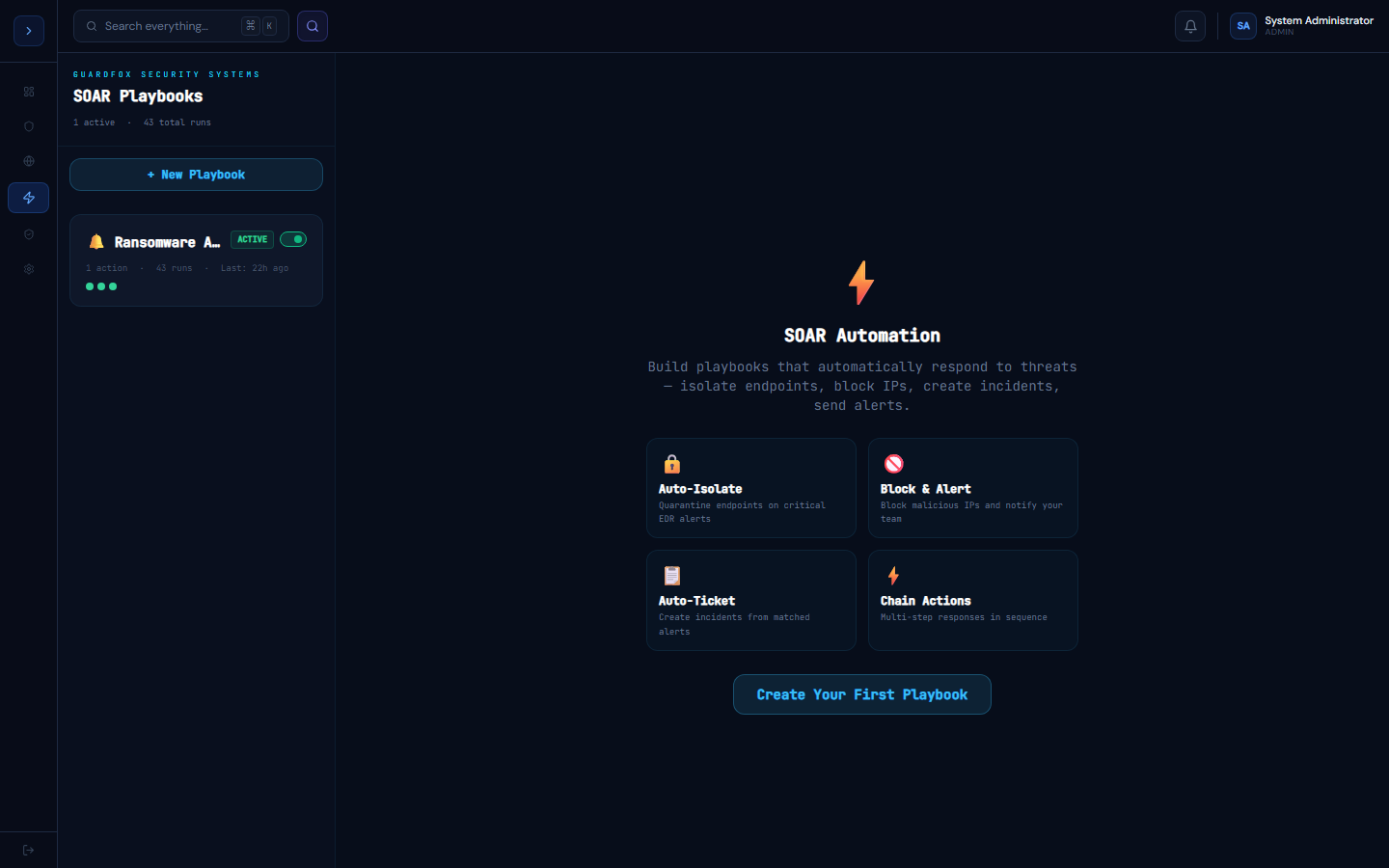
How playbooks work
OverviewHow SOAR Playbooks Work
A playbook is a sequence of automated actions that fires when a trigger condition is met.
Trigger types:
- Alert severity reaches a threshold (e.g., any Critical alert)
- Alert source matches (e.g., alerts from CrowdStrike only)
- MITRE technique detected (e.g., T1486 - Ransomware)
- IOC matched in watchlist
Execution:
- Trigger fires when a matching alert arrives
- Actions execute sequentially (or in parallel if configured)
- Each action logs its result to the playbook run history
- Failures do not stop subsequent actions unless configured to do so
Traceability — "Triggered by"
Every entry in the Run History tab shows what actually triggered it, not just when it ran. A run started by a real alert shows Triggered by: Alert →, linking straight to that alert's detail view; a run started with the Run Now button shows Manually triggered with no link. This makes it possible to audit exactly why an automated action fired — useful when reviewing whether a playbook is over-triggering or investigating an incident after the fact.
Available action types
Isolate Endpoint · Release Endpoint · Kill Process · Block IP Address · Run Nmap Scan · Create Incident · Tag Alert · Update Alert Status · Send Slack Message · Send Email · Create Jira Issue · Create ServiceNow Incident · Trigger PagerDuty · Microsoft Teams · Trigger Opsgenie · Discord Message · Call Webhook · Wait / Delay
Building a playbook
How to useBuilding a Playbook
- Go to Automation → SOAR Playbooks
- Click New Playbook
- Give it a name (e.g., "Ransomware Response")
- Configure the trigger:
- Severity: Critical
- Source: Any
- MITRE technique: T1486 (optional)
- Add actions using the + Add Action button
- Drag to reorder actions
- Toggle Enabled to activate
- Click Save
Example: Ransomware Response Playbook
Trigger: Severity = Critical AND technique = T1486

Actions:
1. Isolate Endpoint (endpoint from alert)
2. Kill Process (process from alert)
3. Block IP Address (src IP from alert)
4. Create Incident (severity = Critical)
5. Send Slack Message (#soc-critical)
6. Send Email (CISO)Testing a playbook
Click Run Test to fire the playbook with a dummy alert payload. Check the Run History tab to confirm each action succeeded.